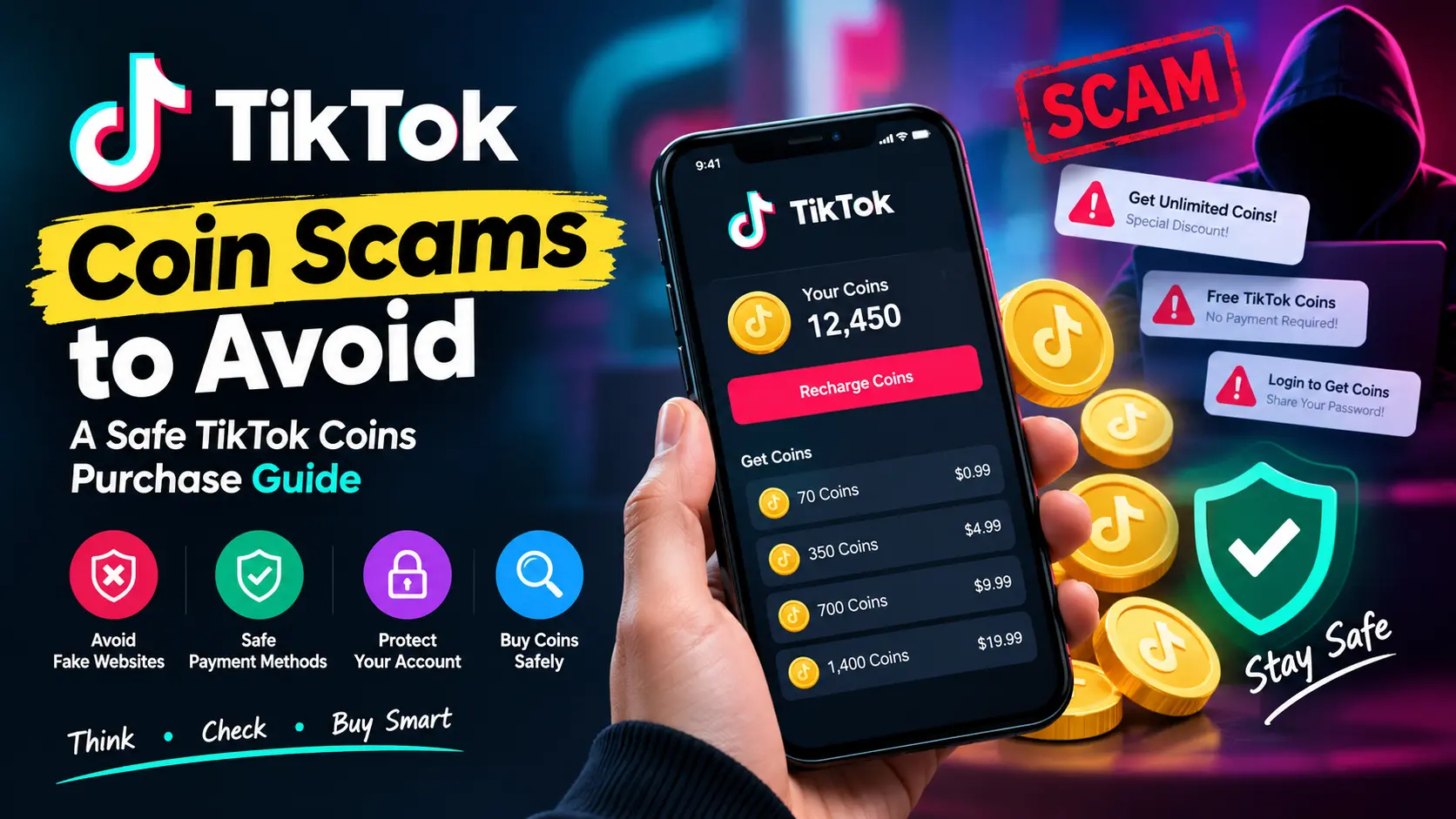
TikTok Coin scams are a growing concern for users who want to recharge their accounts, send LIVE Gifts, and purchase virtual Coins online. Whether you are looking for a safe TikTok Coins purchase method or learning how to avoid a TikTok Coins scam, understanding common fraud tactics can help you protect your money and make informed decisions.
Many users searching for how to buy TikTok Coins safely encounter fake TikTok Coin websites, suspicious discounts, fraudulent payment requests, and TikTok Coin recharge scams that promise cheap or free Coins. These offers may appear attractive, but some are designed to steal payment details, collect account credentials, or trick buyers into paying for Coins they never receive.
For users in Pakistan, purchasing TikTok Coins through Nexon.pk may involve comparing available packages, checking prices, and reviewing payment instructions. Before placing an order, make sure you understand the purchasing process and verify the details required to complete your transaction.
Be cautious of websites offering unusually cheap Coins, social media accounts promising unlimited discounts, or sellers requesting your TikTok password or verification code. A professional-looking website or convincing advertisement does not automatically mean an offer is legitimate.
This TikTok Coins purchase guide explains the most common scams to avoid, how to identify suspicious sellers, what to check before making a payment, and what steps to take if something goes wrong. Whether you are buying Coins for the first time or recharging regularly, these precautions can help you recognise fake TikTok Coin websites and make safer purchasing decisions.
What Are TikTok Coins and How Do They Work?
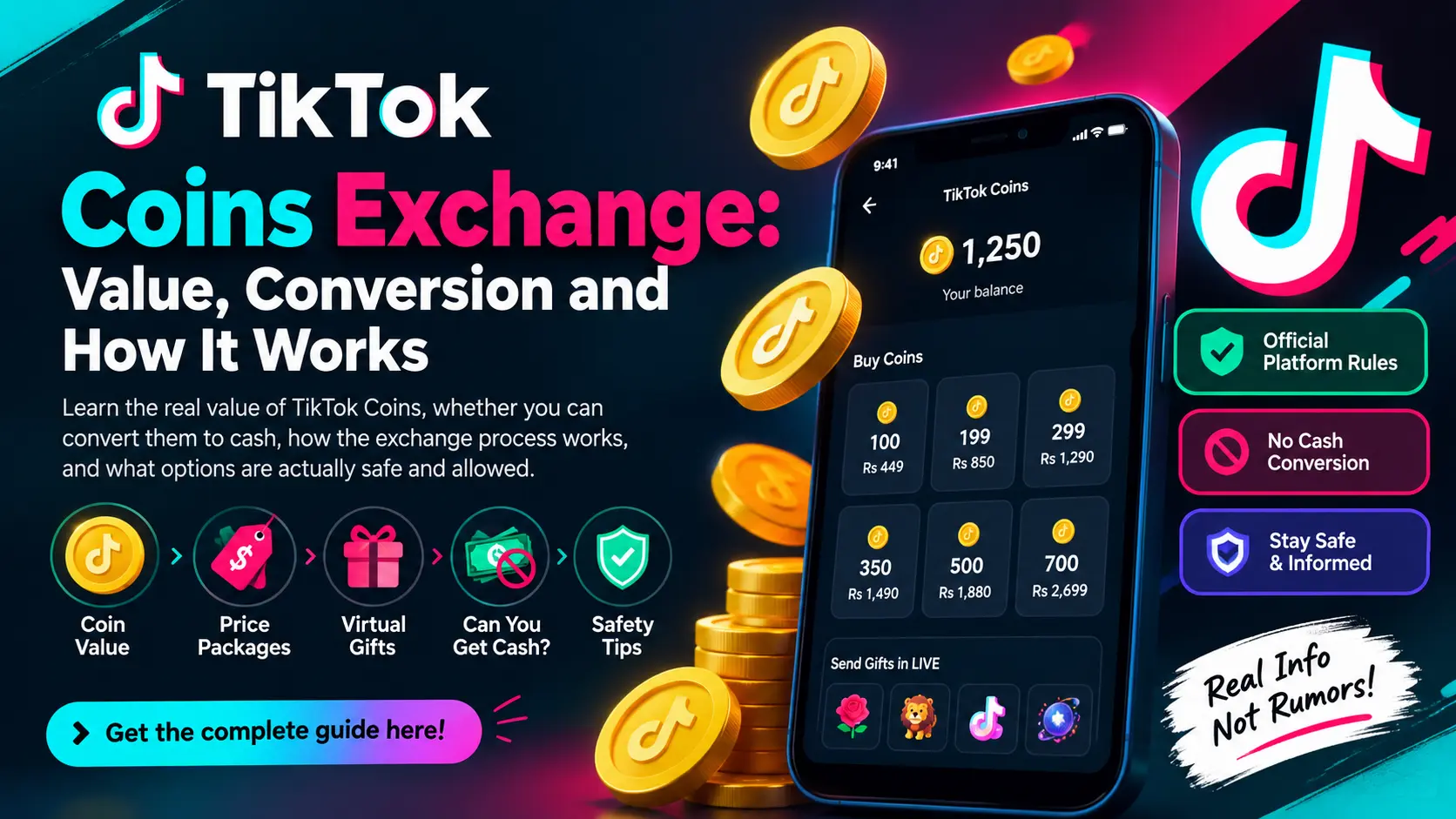
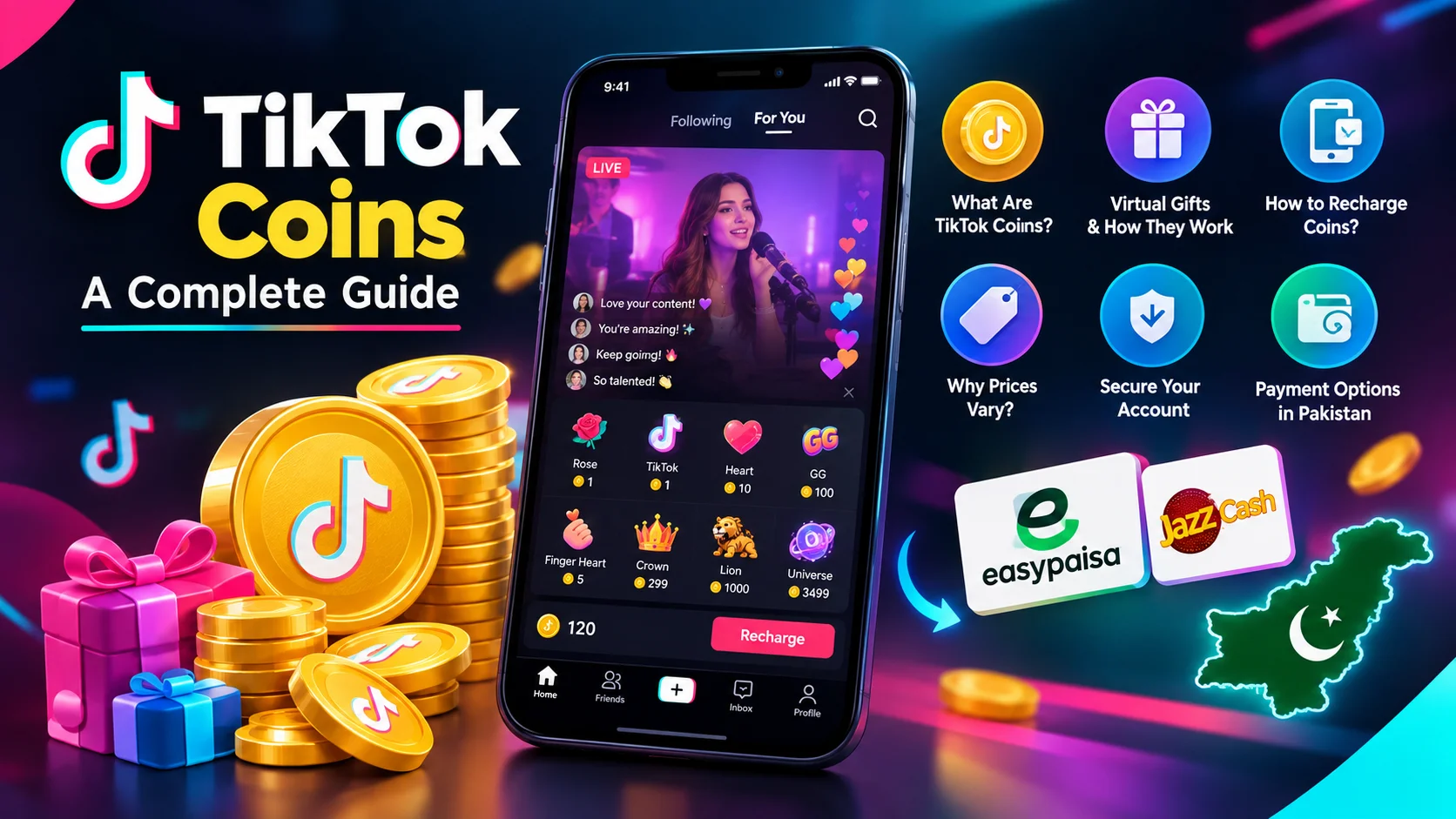
TikTok Coins are virtual items that users can purchase and use for eligible features within the TikTok platform. One common use is purchasing virtual Gifts that can be sent to creators during supported LIVE streams or other eligible experiences.
Coins are not ordinary money. They cannot generally be exchanged for cash by users or treated as a regular currency. Their permitted uses depend on TikTok’s features and applicable Virtual Items Policy.
TikTok provides purchasing options through its app and, in supported countries, through its official website. App-store purchases and website purchases may have different payment processes and prices.
You can review TikTok’s official Coins and Gifts guidance to understand how Coins are purchased and used.
Understanding the normal purchase process is important because scammers frequently imitate legitimate recharge pages. When you know what information a standard transaction requires, it becomes easier to recognise requests that do not make sense.
10 TikTok Coin Scams You Should Avoid
1. Fake TikTok Coin Recharge Websites
One of the most common online shopping risks is a fake website that claims to sell TikTok Coins at heavily discounted prices.
These websites may use TikTok-related images, familiar branding, attractive package offers, and professional-looking checkout pages. Some even copy the layout of legitimate digital top-up stores to make their services appear authentic.
After a buyer submits an order, the website may request payment and then disappear. Other websites may collect personal details, redirect users to suspicious pages, or repeatedly demand additional payments without delivering the purchased Coins.
Warning signs include:
- A website with a misspelled or suspicious domain name.
- No clear contact information or business identity.
- Unexplained payment requests outside the advertised checkout process.
- Prices that appear implausibly low.
- No understandable refund or customer-support policy.
- Repeated demands for additional fees after payment.
Before purchasing, examine the website address carefully and look for consistent business information. A padlock icon or HTTPS connection only indicates an encrypted connection; it does not prove that the seller is genuine.
2. TikTok Coins Offers That Are Too Good to Be True
Scammers often attract buyers with promises of extremely cheap Coins, massive bonuses, or discounts that appear far better than ordinary offers.
For example, a seller may claim to provide several times the usual quantity of Coins for a small payment. The offer may be promoted through social media posts, comments, messaging groups, or private messages.
Some promotions are legitimate, but an unusually generous offer deserves additional verification. A seller may use the initial discount to collect payments from multiple customers without fulfilling their orders.
Compare the offer with the prices shown through TikTok’s official purchasing options and review the seller’s actual terms. Be cautious when a discount is available only if you pay immediately or send money to an individual’s wallet.
Remember: A low price is not proof of fraud, but a low price combined with pressure, unclear terms, and an unverifiable seller is a serious warning sign.
3. Free TikTok Coins Generators
Searches for free TikTok Coins often lead users to websites claiming they can generate unlimited Coins after entering a username or completing a short verification process.
These pages may ask users to:
- Enter their TikTok login credentials.
- Complete surveys that never finish.
- Install unknown applications.
- Download modified APK files.
- Share links with friends.
- Enter payment details for supposed verification.
Such activities may expose users to phishing, unwanted software, data collection, or financial fraud.
TikTok’s safety guidance warns users against third-party websites promising free Coins and other incentives when those websites may attempt to obtain account information.
Legitimate promotions should be verified through official TikTok channels and their published terms. Do not assume that a website is legitimate simply because it displays a loading animation or claims to connect to TikTok’s servers.
4. Phishing Messages That Steal TikTok Accounts
Phishing is a technique used to trick people into revealing passwords, verification codes, payment information, or other sensitive details.
A scammer may send a message claiming that your TikTok account has a payment problem, that your Coins are waiting to be credited, or that your account must be verified before a recharge can be completed.
The message may contain a link to a fake login page that looks similar to TikTok’s official website. When you enter your credentials, the information may be sent directly to the scammer.
Be especially careful with messages that create urgency, such as warnings that your account will be suspended unless you act immediately.
To protect yourself:
- Avoid opening suspicious links received through unsolicited messages.
- Check the full website address before entering information.
- Never share your password or one-time verification code with a seller.
- Open TikTok directly through the official app when checking account notices.
- Report suspicious messages through TikTok’s available reporting tools.
Read TikTok’s official guidance on avoiding fraudulent messages for additional precautions.
5. Sellers Asking for Your Password or OTP
A legitimate Player ID-based top-up process should not require you to hand over your TikTok password or one-time password (OTP) to an individual seller.
Scammers may claim that these details are necessary to verify your account, activate a discount, or complete a recharge. In reality, sharing sensitive credentials can give another person an opportunity to access your account.
An OTP may be used to approve a login, confirm an account change, or authorise another security-sensitive action. Giving it to someone else can undermine your account protection.
Never share:
- Your TikTok password.
- Login verification codes.
- Account recovery codes.
- Email or phone verification codes.
- Payment wallet PINs.
- Banking passwords or card security codes.
A seller’s promise of faster delivery is not a valid reason to disclose your credentials. If a purchasing process asks for sensitive information that does not appear necessary, stop and verify the request before proceeding.
6. Fake Payment Confirmation Screenshots
Another common risk involves fake payment receipts.
A buyer or seller may receive an edited screenshot showing a successful transaction, even though no payment has actually been completed. In other cases, a scammer may send a screenshot from a different transaction or use a misleading pending status to create confusion.
This issue is particularly relevant when transactions are arranged through messaging applications and payments are verified manually.
If you are purchasing Coins, check your own payment confirmation and transaction history rather than relying exclusively on a screenshot provided by another person.
If you operate a digital top-up business, verify incoming payments through the relevant merchant portal or payment account before marking an order as paid.
A screenshot can be useful supporting evidence, but it should not replace independent payment verification.
7. Advance-Fee and Repeated-Payment Scams
Some fraudulent sellers accept an initial payment and then claim that an additional charge is required to release the Coins.
They may describe the extra payment as a verification fee, activation charge, refundable security deposit, or transaction-unlocking fee.
After the customer pays, another unexpected charge may appear. The seller may continue requesting money until the buyer refuses or stops responding.
Before paying, check the complete order total and the payment instructions. If an unexpected fee appears after you have already paid, ask for a clear explanation and verify it independently before sending more money.
Do not make repeated transfers simply because a seller claims that the previous payment has become stuck. Contact the relevant payment provider or official support channel if the transaction status is unclear.
8. Impersonation Through TikTok, WhatsApp, and Social Media
Scammers may create accounts that imitate legitimate top-up stores, customer-support teams, influencers, or TikTok representatives.
They might copy a company’s logo, profile description, product images, or customer reviews. Some use account names that differ from the genuine business by only one character.
Others contact customers privately after seeing them ask questions about Coin prices or recharge problems.
To reduce this risk, compare the account name and contact details with the information published on the business’s official website. Be cautious if a person insists that you must continue the transaction through a different account or send money to an unrelated recipient.
Do not assume that an account is trustworthy merely because it has many followers, a professional logo, or positive comments. These signals can be manipulated.
If someone claims to represent TikTok, verify the communication through TikTok’s official channels rather than relying on a profile badge or message alone.
9. Fake Customer Support and Refund Scams
Refund-related scams often target people who have already lost money or experienced a delayed top-up.
A scammer may promise to recover missing Coins or return a payment in exchange for a small advance fee. They may also impersonate customer support and ask for passwords, verification codes, or remote access to the victim’s device.
If a top-up has failed, use the support channel associated with the original purchase method. For an in-app purchase, check the relevant app store’s refund process and TikTok’s available support options. For a website purchase, contact the merchant using the contact details published on its official website.
Keep the order number, payment reference, date, amount, and relevant correspondence.
Avoid anyone who guarantees a refund without checking the transaction or asks you to share your account credentials to recover your money.
10. Suspicious Applications and Download Links
Some scams attempt to persuade users to download an application that supposedly offers cheaper TikTok Coins, automatic recharges, or exclusive discounts.
The application may request unnecessary permissions, collect personal information, display deceptive payment screens, or contain harmful software.
A scammer may also ask you to install an APK file sent through a messaging application rather than directing you to an official app store.
Avoid downloading unknown software to purchase Coins. Use the official TikTok app, its supported website, or another purchasing service only after checking its legitimacy and requirements.
If an application claims to be an official TikTok product, verify the publisher and download source before installing it.
TikTok also advises users to avoid unofficial application downloads and suspicious links that impersonate its services.
How to Buy TikTok Coins Safely
The safest approach is to understand the purchasing method before you pay. Follow these steps whether you are buying through TikTok itself or considering a third-party digital top-up service.
Step 1: Start With a Trusted Purchasing Route
TikTok supports purchasing Coins through the app and, in supported countries, through its website. Gift cards may also be available in certain regions.
Start by checking the options available for your account and location. Official purchasing routes provide a useful reference for comparing package quantities, prices, and applicable terms.
You can visit the official TikTok Coins recharge page to check whether direct website purchasing is available to you.
Step 2: Compare the Final Price
The price of TikTok Coins can vary depending on the package, purchasing channel, location, and applicable fees.
Compare the final amount payable rather than focusing only on the advertised discount. Check the currency, selected quantity, and any payment-provider charges before confirming the transaction.
For buyers in Pakistan, it is particularly important to understand whether a payment involves local currency, foreign-currency conversion, or additional fees.
Step 3: Verify the Website and Business
If you are considering a third-party top-up service, examine its website address, contact information, published terms, and ordering process.
Check whether the business explains what information is required, how payments are confirmed, and how delayed or unsuccessful orders are handled.
Search for independent customer experiences where available, but remember that reviews can be manipulated. Look for consistent evidence rather than relying on a single testimonial.
Step 4: Protect Your Account
Use a unique password and enable the account-security features available to you. Never give a seller your login details or verification codes.
A purchase process should not require you to surrender control of your account. If a service requests unnecessary access, stop and investigate before proceeding.
Step 5: Verify Payment Before Repeating an Order
After payment, check the transaction status through your payment app, bank, or merchant account.
If the transaction is pending, avoid submitting another payment immediately. First determine whether the original transaction succeeded and whether the order is being processed.
Keep your receipt until the Coins have been credited and the order has been resolved.
Step 6: Check Your TikTok Coin Balance
After a successful purchase, open TikTok and check your Coin balance or transaction history where available.
If the expected Coins are missing, collect the relevant transaction information and contact the appropriate support channel.
Do not assume that a missing balance automatically means you should pay again. Verification can help prevent duplicate charges.
Buying TikTok Coins in Pakistan: What Should You Check?
Pakistani buyers may prefer purchasing options that make local payment and price comparison easier. However, convenience should not replace basic security checks.
Before placing a TikTok Coins order, consider the following:
Payment method: Check which payment methods are genuinely supported and whether any additional fees apply.
Price transparency: Confirm the package quantity and final amount before paying.
Order information: Understand whether you need to provide a TikTok username, user ID, or another identifier. Never assume that all purchasing methods use the same process.
Delivery expectations: Check the stated processing time and how to contact support if the order is delayed.
Refund terms: Review the conditions for failed transactions, incorrect details, and undelivered purchases.
Account security: Do not share passwords, OTPs, or payment-wallet PINs.
If you are comparing local top-up services, read their terms carefully and confirm that the service supports your account and region. A professional-looking website is not sufficient proof of an official partnership with TikTok.
For users comparing available options, Nexon.pk provides information about its TikTok Coins purchase service. Review the current product details, payment instructions, and applicable terms before placing an order.
What to Do If You Have Been Scammed
If you suspect that you have lost money or shared sensitive information with a scammer, act quickly. The appropriate response depends on what happened.
If You Shared Your TikTok Password
Change your password immediately using the official TikTok app or website. Review your account’s security settings, check for unfamiliar devices or sessions, and remove access you do not recognise.
If the same password was used elsewhere, change it on those accounts too. Enable available security protections and verify that your recovery email address and phone number remain under your control.
If You Shared an OTP or Verification Code
Review your account for unauthorised logins or changes. Secure the affected account and any related email or payment accounts if necessary.
If you cannot access your account, use TikTok’s official account-recovery and support options.
If You Sent Money to a Fraudulent Seller
Save your transaction reference, payment receipt, the seller’s contact details, website address, and relevant messages.
Contact your bank, wallet provider, or payment service promptly. Explain the situation and ask whether the transaction can be investigated or whether any available dispute or recovery procedure applies.
Do not assume that a completed transfer can always be reversed. Recovery depends on the payment method, transaction status, provider procedures, and applicable rules.
If Your Coins Were Not Delivered
Check the order confirmation and payment status first. Contact the merchant through its published support channel and provide the order reference and payment evidence.
If the purchase was made through TikTok or an app store, follow the applicable official support or refund process.
Avoid anyone who claims to recover your money for an upfront fee. Fraud victims are sometimes targeted again by people pretending to offer recovery services.
Report the Scam
Report suspicious accounts, messages, and websites through the relevant platform. If you believe financial fraud has occurred, consider contacting your payment provider and the appropriate authorities in your jurisdiction.
Reporting a scam may help prevent others from being targeted, although it does not guarantee that lost funds will be recovered.
TikTok Coins Refunds: What Buyers Should Know
Refund eligibility depends on where the Coins were purchased, the transaction status, and the applicable terms.
Purchases made through an app store may be subject to that store’s refund process. Purchases made directly through TikTok are governed by TikTok’s applicable Virtual Items Policy and relevant local laws.
For third-party purchases, check the merchant’s published refund terms and contact the merchant if the order has not been completed.
Before requesting a refund, gather the order reference, purchase date, amount, and payment confirmation. Explain the problem clearly and retain the support correspondence.
Never provide your password or OTP to someone who claims to be processing your refund.
Frequently Asked Questions About TikTok Coin Scams
What are the most common TikTok Coin scams?
Common scams include fake recharge websites, unrealistic discounts, free Coin generators, phishing messages, impersonation accounts, fake payment receipts, and refund-recovery fraud.
How can I tell if a TikTok Coins website is fake?
Look for suspicious domain names, unclear business information, unrealistic offers, unusual payment requests, and missing refund terms. Check the website independently before entering personal or payment information.
Is it safe to buy TikTok Coins from third-party websites?
Safety depends on the service, purchasing method, and applicable TikTok terms. Review the merchant’s identity, payment process, account requirements, and policies. Do not assume that every third-party seller is officially affiliated with TikTok.
Can someone steal my TikTok account while I am buying Coins?
Yes, if you enter your credentials on a phishing website or share your password or verification code with a scammer. Use trusted purchasing routes and never disclose sensitive login details to a seller.
Are free TikTok Coins generators real?
Websites promising unlimited free Coins should be treated with caution. They may be designed to collect credentials, encourage suspicious downloads, or obtain personal information. Verify promotions through official TikTok channels.
Should I trust a seller offering extremely cheap TikTok Coins?
Not without verification. Compare the price with available purchasing options, check the seller’s identity, and review the terms. An unusually low price combined with pressure or unclear payment instructions is a warning sign.
What should I do if I paid but did not receive TikTok Coins?
Check your transaction status and order confirmation. Contact the relevant merchant, TikTok support, app store, or payment provider depending on how you purchased the Coins. Avoid paying again until the original transaction has been checked.
Can I get a refund for missing TikTok Coins?
A refund may be possible depending on the purchasing channel, transaction status, applicable policy, and local law. Contact the relevant support channel with your purchase evidence.
Does TikTok ask users to share passwords through messages?
TikTok warns users against messages that request passwords or other sensitive personal information. Verify suspicious messages through official channels and avoid entering credentials on untrusted links.
How can Pakistani users purchase TikTok Coins more safely?
Check the available purchasing methods, compare the final price, verify the seller, use the displayed payment instructions, and keep the transaction receipt. Never share your TikTok password, OTP, or payment-wallet PIN.
Final Thoughts: Stay Safe When Buying TikTok Coins
Buying TikTok Coins should not require you to take unnecessary risks with your money or account. The best protection is to verify the purchasing route, understand the final price, review the seller’s terms, and keep your login information private.
Avoid suspicious discounts, fake Coin generators, unexpected payment demands, and anyone promising guaranteed refunds in exchange for an upfront fee. If a transaction seems unusual, pause and verify the details before proceeding.
For additional protection, use official TikTok purchasing options where available and carefully evaluate any alternative service before making a payment. A few minutes spent checking a website or payment request can help you avoid problems that may be difficult to resolve later.
If you are ready to purchase TikTok Coins after learning how to avoid common scams, visit the TikTok Coins Purchase page on Nexon.pk. Review the available Coin packages, current prices, payment options, and order instructions before completing your purchase. Always double-check your account details and keep your payment confirmation until your order is completed.
Before buying TikTok Coins, verify the seller, confirm the payment details, and protect your account credentials. A safer purchase starts with an informed decision.