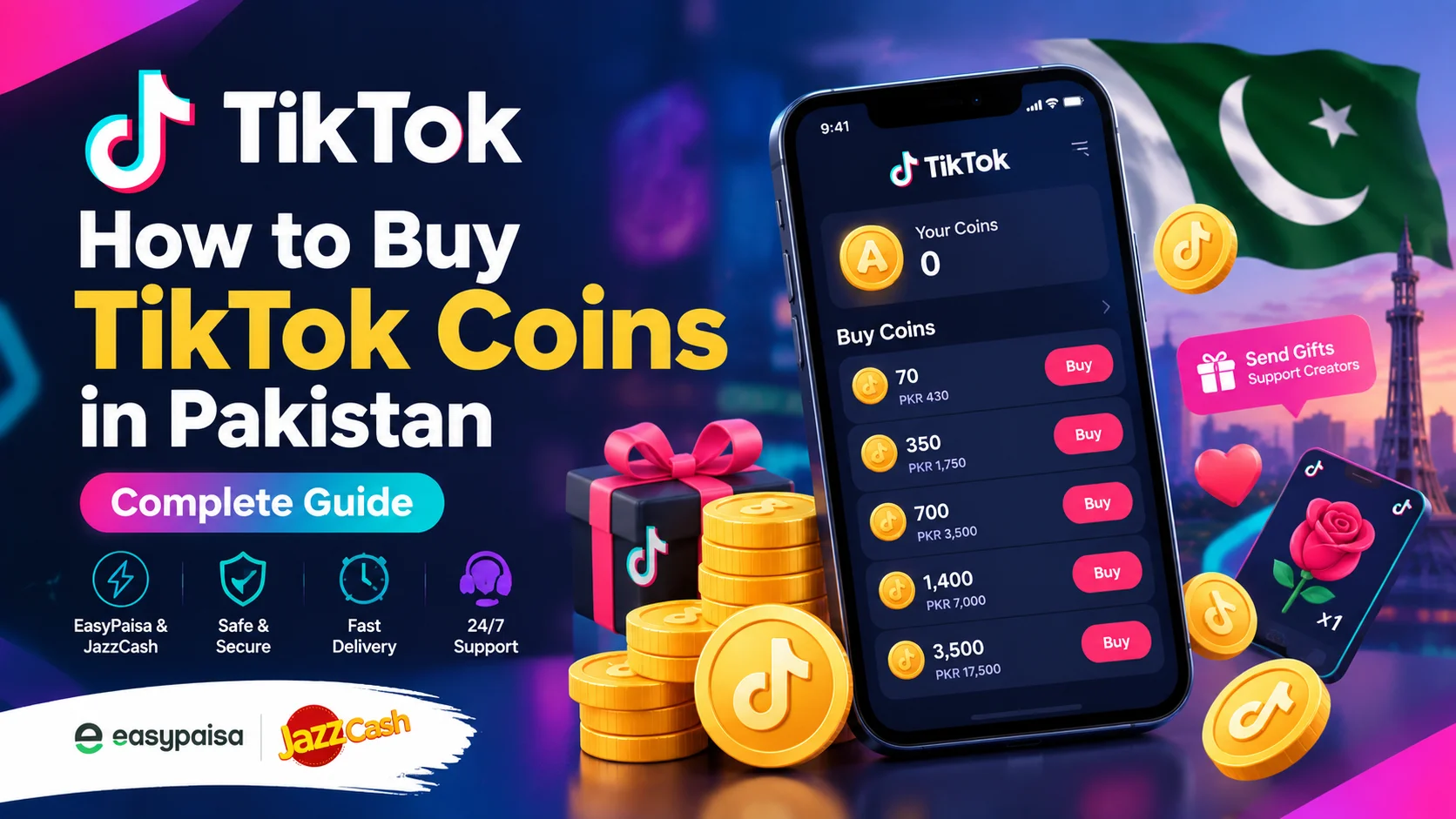
TikTok has become one of the most popular platforms for watching short videos, following creators, and participating in LIVE sessions. One of the features associated with TikTok LIVE is virtual gifting, which allows viewers to interact with creators using virtual Gifts.
To use supported gifting features, users may need TikTok Coins. For users in Pakistan, understanding how TikTok Coins recharge works can help make the purchasing process easier and avoid common mistakes.
This guide explains what TikTok Coins are, how TikTok Coins recharge works, how users in Pakistan can purchase Coins, available payment considerations, common recharge issues, and important safety tips.
Whether you are purchasing Coins for occasional LIVE gifting or regularly use TikTok’s virtual features, this guide can help you understand the process before making a purchase.
What Is TikTok Coins Recharge?
TikTok Coins recharge refers to purchasing TikTok’s virtual currency so that it can be used with supported features on the platform.
TikTok Coins are primarily associated with virtual Gifts. Users can purchase Coins and then use eligible Coins to send virtual Gifts during supported TikTok experiences, such as LIVE sessions.
Coins are not the same as ordinary money. They are a virtual currency intended for use within TikTok’s ecosystem.
The available Coin packages, prices, and purchasing methods can vary depending on factors such as location, platform, account, and TikTok’s current purchasing options.
For Pakistani users, a typical recharge decision involves checking:
- Available TikTok Coins packages
- Current price
- Payment methods
- Required account information
- Processing time
- Order status
- Customer support options
Understanding these details before payment can help reduce errors during the recharge process.
How Does TikTok Coins Recharge Work?
The basic idea behind a TikTok Coins recharge is simple.
A user chooses a Coin package, completes the purchase through an available purchasing method, and receives the purchased Coins according to the applicable process.
Depending on the method being used, users may purchase Coins directly through TikTok or use an eligible online digital recharge service.
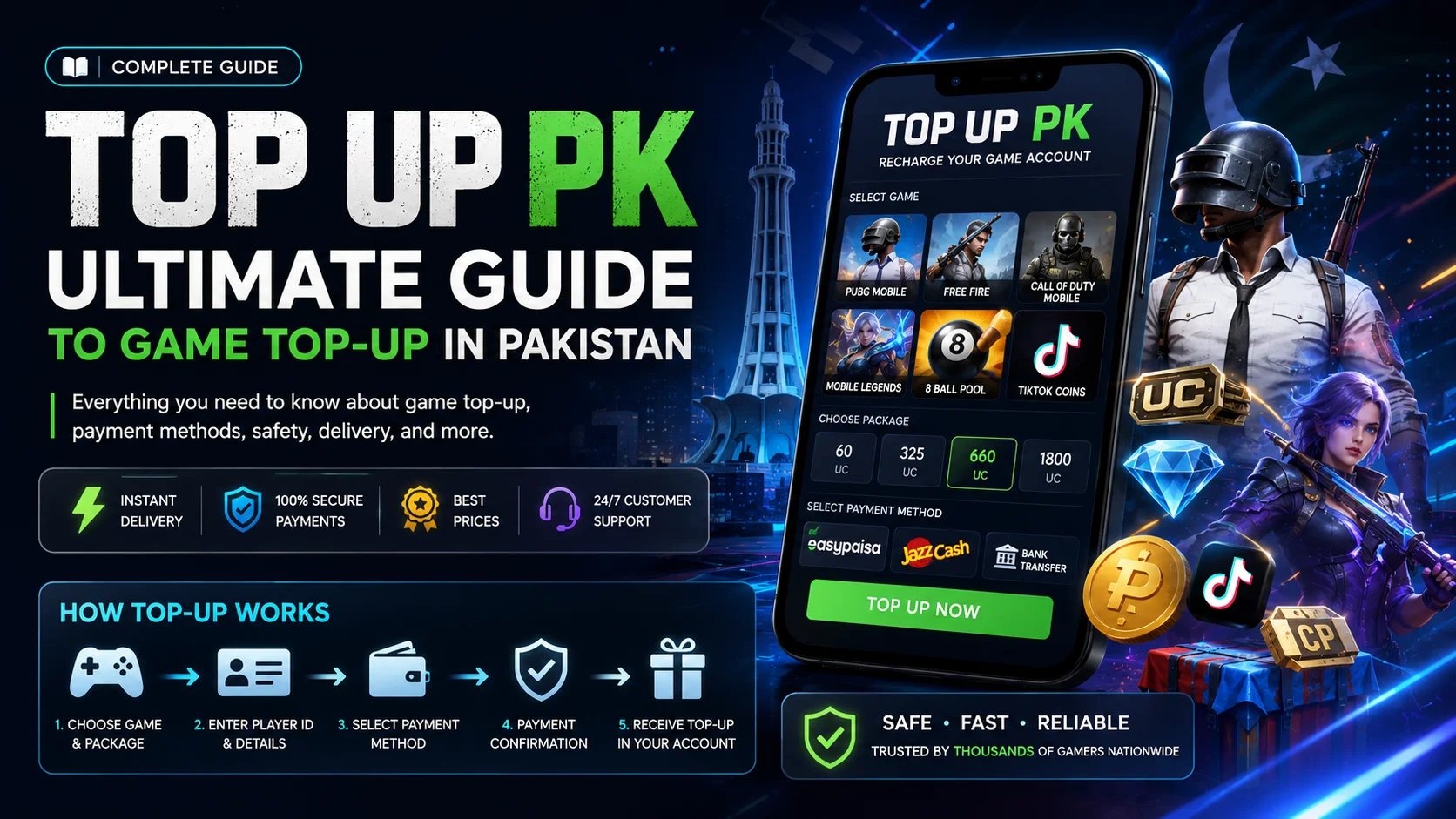
The exact steps can vary, but the general process usually involves:
- Selecting a TikTok Coins package.
- Providing the required account information.
- Reviewing the package and price.
- Selecting an available payment method.
- Completing payment.
- Waiting for the order to be processed.
- Checking the TikTok account after completion.
Before placing an order, always make sure that the selected package and account information are correct.
How to Recharge TikTok Coins in Pakistan
Pakistani users can encounter different purchasing options depending on the service and payment methods currently available.
If you are using an online recharge service, start by reviewing the available TikTok Coins packages.
Choose the package according to the number of Coins you actually need rather than automatically selecting the largest package.
Step 1: Select Your TikTok Coins Package
The first step is to decide how many Coins you want to purchase.
Different users have different requirements. Someone who occasionally watches TikTok LIVE may only need a smaller package, while a regular viewer who frequently sends virtual Gifts may choose a larger package.
Before continuing, check:
- Coin quantity
- Package price
- Payment options
- Processing information
- Any applicable order conditions
Step 2: Review the Price
Always check the current price before making a payment.
Online digital prices can change, and old screenshots or outdated articles may not reflect the current package price.
The most useful comparison is the amount you pay against the number of Coins included in the package.
If you are checking current options through Nexon, you can visit the TikTok Coins purchase page to review the available packages and purchase information.
Step 3: Enter the Required Account Information
Depending on the recharge method, you may be asked for information associated with your TikTok account.
Enter the information carefully and check it before submitting the order.
A simple typing mistake can create unnecessary delays, especially when a recharge is processed according to the account details supplied during checkout.
Never provide your TikTok password unless you are directly using TikTok’s own official login system. A third-party recharge provider should not need your TikTok password to process a normal recharge.
Step 4: Choose a Payment Method
Payment methods depend on the service you are using.
For Pakistani users, local payment options may include:
- EasyPaisa
- JazzCash
- Bank transfer
- Other supported digital payment methods
The availability of a particular payment method can change, so always check the options displayed at the time of checkout.
Step 5: Complete the Payment
After selecting a payment method, follow the instructions provided during checkout.
Before confirming the payment, compare the amount shown on the payment screen with the amount shown in your order.
After payment, keep your transaction receipt, payment reference, or screenshot until the order has been successfully processed.
Step 6: Wait for Processing
Digital orders can have different processing times depending on the purchasing method and provider.
If your order does not complete immediately, check the order status before making another payment.
Submitting a second payment while the first order is still processing can potentially result in duplicate transactions.
Step 7: Check Your TikTok Account
After the recharge has been completed, check your TikTok account to confirm that the Coins have been credited.
If the balance does not appear immediately, first review the order status and payment confirmation.
If the order is still processing, allow the stated processing period to pass before contacting support.
TikTok Coins Recharge with EasyPaisa
EasyPaisa is a widely used digital payment service in Pakistan and may be available as a payment option through supported online recharge services.
If EasyPaisa is available during checkout, select it and follow the payment instructions displayed by the provider.
Before completing the transaction, verify:
- The selected Coin package
- The total amount
- Your order information
- The payment account or number
- The transaction reference
After completing payment, keep the confirmation until the order has been processed.
Payment options can change, so users should always rely on the current checkout page rather than an old payment guide.
TikTok Coins Recharge with JazzCash
JazzCash may also be available for TikTok Coins purchases through supported digital recharge services.
The process generally involves selecting the desired Coin package, choosing JazzCash if available, and completing the payment according to the instructions shown during checkout.
As with EasyPaisa, make sure the payment amount matches your order before confirming the transaction.
If a payment is deducted but the order remains pending, keep the transaction reference and contact the relevant support team.
TikTok Coins Price in Pakistan
There is no single permanent price for every TikTok Coins package.
The price users see can depend on the purchasing method, package, location, platform, and other factors.
This is why users should check the current package and price before completing a recharge.
When comparing packages, consider both:
Coin quantity + total purchase price
A package containing more Coins is not automatically the right option for every user. Your preferred package should depend on how many Coins you actually intend to use and your personal spending limit.
For current purchase options, you can check the TikTok Coins packages available on Nexon before placing an order.
TikTok Coins vs TikTok Gifts
TikTok Coins and TikTok Gifts are connected, but they are not the same thing.
TikTok Coins are the virtual currency purchased by users.
TikTok Gifts are virtual items that eligible users can send through supported TikTok features.
The basic concept can be understood as:
Purchase Coins → Use Coins for eligible Gifts
For example, a user may purchase Coins and later use them to send a virtual Gift during a supported LIVE session.
This distinction is useful because users sometimes search for TikTok Gifts when they actually need to understand the Coin purchasing process first.
What Are TikTok Coins Used For?
TikTok Coins are primarily associated with TikTok’s virtual gifting system.
Users can use eligible Coins for supported virtual Gifts and other features that TikTok may make available.
TikTok features can change over time, and availability can vary between regions and accounts.
For this reason, users should check the current TikTok app information if they are looking for a specific feature.
Coins should also be treated as virtual currency rather than ordinary cash.
Is TikTok Coins Recharge Safe?
The safety of a digital recharge depends on the purchasing method and the provider.
Users can reduce common risks by checking the service before making a payment.
A clear recharge process should explain:
- What package you are purchasing
- How much it costs
- What information is required
- Which payment methods are available
- How the order is processed
- How customer support can be contacted
For example, when using an online digital store, review the store’s information and support options before placing an order.
If you are looking for a Pakistan-based digital top-up store, you can also visit the Nexon homepage to explore its available digital recharge services and website information.
Never Share Your TikTok Password
One of the most important safety rules is to protect your account credentials.
A normal third-party TikTok Coins recharge should not require you to provide confidential account credentials.
Never share your:
- TikTok password
- Email password
- OTP
- Two-factor authentication code
- EasyPaisa PIN
- JazzCash PIN
- Bank PIN
- Card PIN
Payment authentication should be completed through the appropriate official payment interface.
If someone asks you to send an OTP or password directly through WhatsApp, chat, email, or another communication channel, do not share it.
Common TikTok Coins Recharge Problems
Most digital recharge orders are straightforward, but users can sometimes encounter issues.
Coins Have Not Been Credited
If your Coins have not appeared, first check the order status.
The order may still be processing.
Avoid immediately placing another order for the same amount because the original transaction may still complete.
Payment Was Successful, but Order Is Processing
A payment transaction and the actual recharge process can sometimes occur at different stages.
If money has been deducted but the order still shows as processing, keep your payment receipt and order information.
Contact customer support if the order exceeds the stated processing time.
Incorrect Account Information
Providing incorrect account details can create delivery problems.
Always check the information before submitting the order.
If you notice a mistake after payment, contact support as soon as possible and provide the order details.
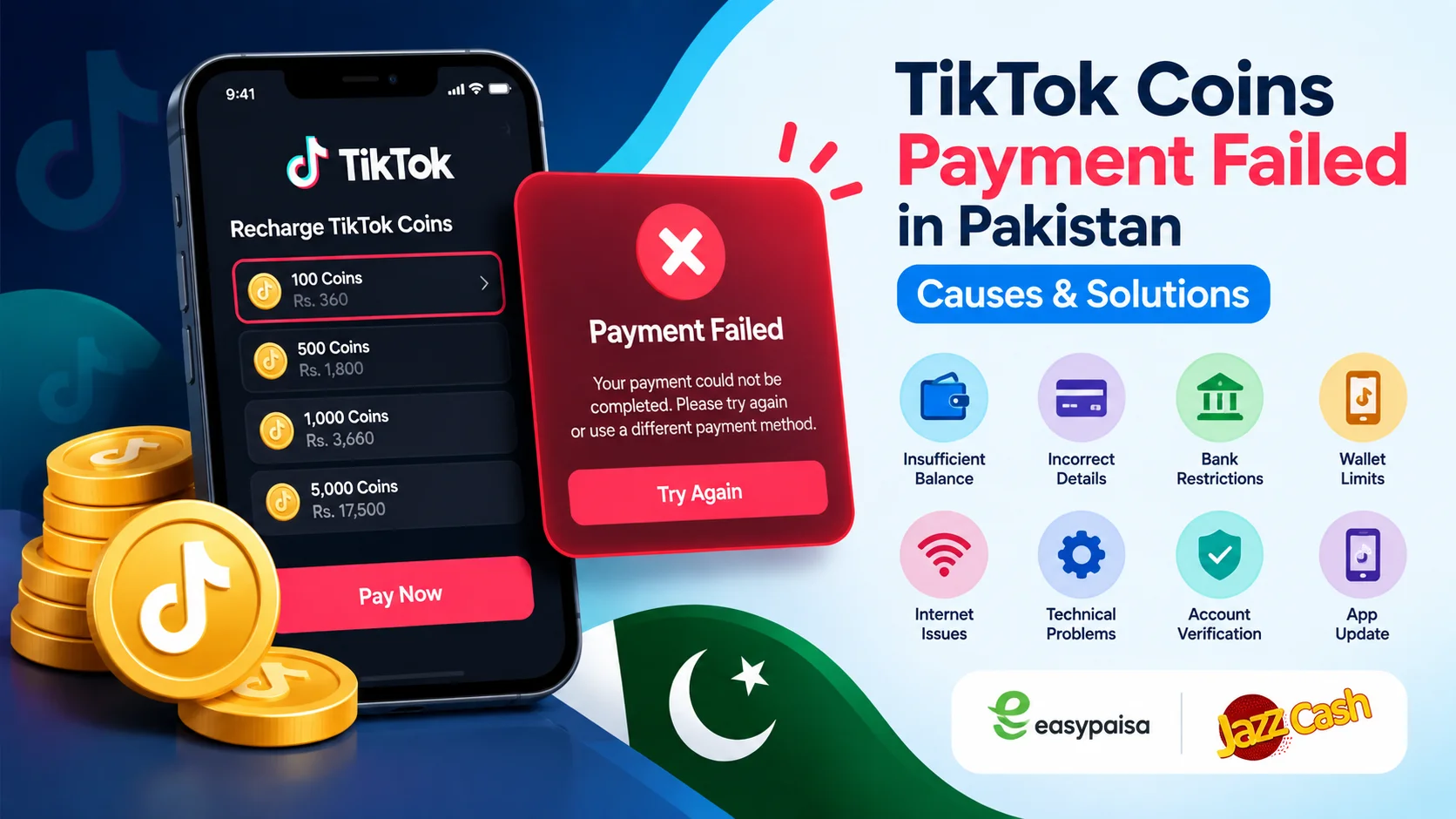
Payment Failed
If a payment fails, first determine whether money was actually deducted.
If the transaction failed without a deduction, you may be able to try again using a supported payment method.
If money was deducted but the order was not created or completed, keep the payment reference and contact support.
Duplicate Payment
A slow payment page does not necessarily mean the transaction failed.
Before submitting another payment, check your order history or payment account.
This can help prevent duplicate transactions.
How to Choose the Right TikTok Coins Package
Choosing a Coin package should be based on your actual requirements.
Occasional Users
If you only occasionally send Gifts during TikTok LIVE sessions, a smaller package may be enough.
Regular Users
If you regularly participate in LIVE gifting, you may prefer a larger package to reduce the need for frequent purchases.
Users With a Fixed Budget
If you have a specific spending limit, decide the amount you are comfortable spending before selecting a package.
Do not increase your purchase simply because a larger package is available.
Compare Package Value
Look at the number of Coins and total price together.
This gives you a clearer understanding of what each package offers.
Tips for a Smooth TikTok Coins Recharge
A few simple precautions can make the process easier.
Check the Package
Make sure the Coin quantity is correct before payment.
Check the Price
Always use the current displayed price rather than an old screenshot.
Verify Account Details
Review any required TikTok account information carefully.
Use Supported Payment Methods
Choose one of the payment methods currently available at checkout.
Save Your Receipt
Keep the payment confirmation until the order is completed.
Don’t Share Sensitive Information
Never share passwords, OTPs, PINs, or authentication codes with a recharge provider.
Contact Support for Delays
If an order remains pending beyond the stated processing period, contact support instead of creating another order.
Why Do People Recharge TikTok Coins?
People may purchase TikTok Coins for different reasons.
One common use is supporting creators through virtual Gifts during eligible LIVE sessions.
Some viewers regularly participate in TikTok LIVE communities and use Gifts as a way to interact with creators.
Others may only purchase Coins occasionally when they want to send a particular Gift.
There is no requirement to purchase Coins simply because someone uses TikTok. They are an optional digital purchase associated with supported TikTok features.
Users should always consider their own budget before making a digital purchase.
TikTok Coins Recharge for Users in Pakistan
For Pakistani users, payment convenience can be an important part of choosing a recharge method.
Instead of looking only at the number of Coins, users should consider the complete purchase process.
Important factors include:
- Coin package
- Current price
- Payment options
- Account information requirements
- Processing time
- Customer support
- Order tracking
- Refund or cancellation terms
Checking these details before payment can make the purchase process more predictable.
For users who want to explore digital recharge services in Pakistan, Nexon.pk provides information about its available digital products and services.
What Should You Check Before Paying?
Before completing a TikTok Coins recharge, take a few seconds to review your order.
Use this checklist:
Package: Is the Coin quantity correct?
Price: Does the final amount match the package?
Account: Did you enter the correct account information?
Payment: Are you using a supported payment method?
Security: Have you avoided sharing your password and OTP?
Receipt: Did you save your payment confirmation?
Support: Do you know how to contact support if the order is delayed?
These checks can prevent many common problems.
Frequently Asked Questions About TikTok Coins Recharge
What is TikTok Coins recharge?
TikTok Coins recharge means purchasing TikTok Coins for use with supported virtual features, including eligible virtual Gifts.
Can I recharge TikTok Coins in Pakistan?
Pakistani users may have several purchasing options depending on the current services and payment methods available to them.
Can I use EasyPaisa for TikTok Coins recharge?
EasyPaisa may be available through supported digital recharge services. Check the current checkout page to see whether it is available for your order.
Can I use JazzCash for TikTok Coins?
JazzCash may also be available through supported recharge services. Payment availability can change, so check the current payment options before purchasing.
Do I need my TikTok password?
A normal third-party recharge should not require you to provide your TikTok password. Never share your password or authentication codes with a third-party provider.
How long does TikTok Coins recharge take?
Processing time depends on the purchasing method and provider. Check the stated processing information before placing an order.
What should I do if my Coins are not credited?
First check your order status and payment confirmation. If the transaction was completed but the Coins have not been credited after the stated processing period, contact customer support with your order and payment information.
Are TikTok Coins the same as money?
No. TikTok Coins are virtual currency used within TikTok’s supported features. They should not be treated as ordinary cash.
Can I purchase a small TikTok Coins package?
The available package sizes depend on the current options provided by TikTok or the recharge service. Check the current package list before purchasing.
Why can TikTok Coins prices vary?
Prices can vary depending on factors such as package size, location, platform, purchasing method, and applicable charges.
Can TikTok Coins be used for TikTok LIVE Gifts?
Eligible TikTok Coins can be used for supported virtual Gifts, including Gifts associated with eligible LIVE experiences.
Should I keep my payment receipt?
Yes. Keeping your payment receipt or transaction reference until the order is completed can help if you need to contact customer support.
Final Thoughts
Understanding TikTok Coins recharge can make it easier to purchase Coins and use TikTok’s supported virtual gifting features.
For Pakistani users, the most important steps are to choose the appropriate package, check the current price, verify account information, select a supported payment method, and keep the payment confirmation until the order has been completed.
Users should also protect their TikTok and payment credentials. A normal recharge should not require you to share passwords, OTPs, or payment PINs with a third party.
If you are ready to check current packages, visit the TikTok Coins purchase page and review the available options before placing an order.
For more digital top-up and recharge services, you can also explore Nexon.pk.