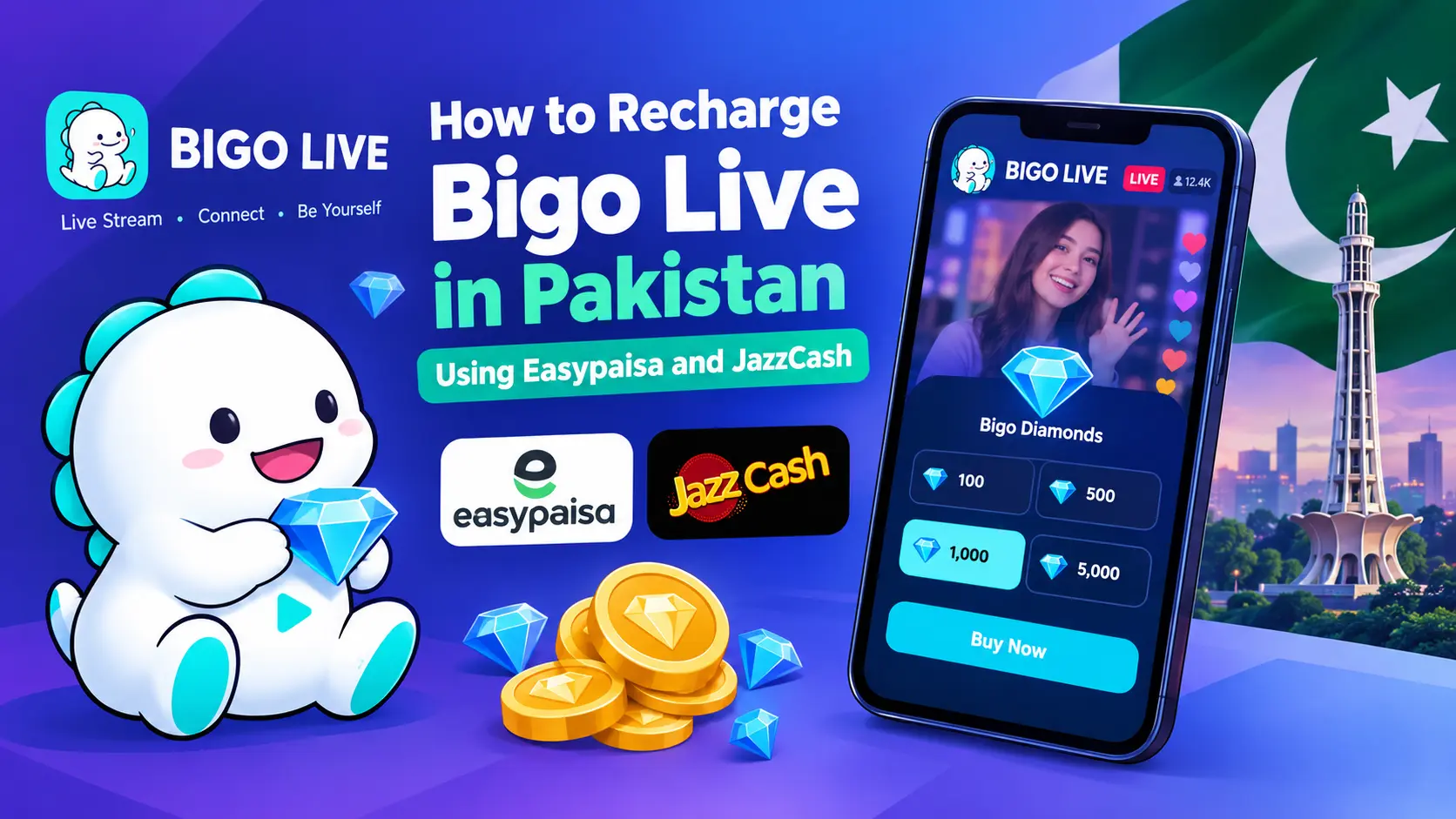
How to Recharge Bigo Live in Pakistan is a common question among users who want to purchase Bigo Diamonds using convenient local payment methods. Bigo Live Diamonds are virtual currency used to send gifts to broadcasters and participate in supported features on the platform.
Pakistani users looking to recharge their accounts can check the available online top-up options and payment methods before purchasing. This guide explains how to choose a diamond package, find your Bigo Live ID, complete a payment using Easypaisa or JazzCash when supported, and troubleshoot common recharge issues.
If you are ready to top up your account, you can explore the available packages on Nexon’s Bigo Diamond Purchase page.
What Do You Need Before Recharging Bigo Live?
Before starting a Bigo Live recharge, prepare the following information:
- Your Bigo Live ID: Check the account ID that should receive the diamonds.
- Your preferred package: Decide how many diamonds you want to purchase.
- Payment method: Check whether Easypaisa, JazzCash, or another suitable option is available at checkout.
- Payment balance: Make sure you have enough funds to cover the displayed price.
- Order details: Keep your order reference and payment confirmation for future assistance.
Preparing these details beforehand can help you avoid mistakes and make the ordering process easier.
How to Find Your Bigo Live ID
Your Bigo Live ID identifies your account and helps ensure that a recharge reaches the intended user.
Follow these steps to find it:
- Open the Bigo Live app on your phone.
- Navigate to your profile by tapping the account or profile icon.
- Look for your Bigo ID in the profile information.
- Copy the ID if the app provides that option.
- Check the number carefully before entering it during checkout.
Make sure you enter your actual Bigo Live ID rather than your display name. A display name may not uniquely identify your account.
Never share your password, OTP, or verification code with a recharge provider.
How to Recharge Bigo Live Using Easypaisa
If Easypaisa is available on your selected recharge website, you can follow the payment instructions displayed during checkout.
Step 1: Select a Bigo Diamonds Package
Visit the Bigo Diamond Purchase product page and review the available packages. Choose the quantity that suits your needs and check the displayed price before continuing.
Step 2: Enter Your Bigo Live ID
Provide the Bigo Live ID requested by the website. Review the number carefully before submitting your order.
Step 3: Choose Easypaisa at Checkout
Select Easypaisa if it appears among the supported payment methods. Follow the instructions shown on the checkout page or payment screen.
Payment procedures can vary depending on the payment integration, so use the instructions provided for your transaction.
Step 4: Complete Your Payment
Confirm the payment amount and follow the required steps in the applicable payment interface. Keep your transaction confirmation once the payment is successful.
Step 5: Check Your Order Status
After payment confirmation, check your order status and wait for processing. Delivery time may vary depending on payment verification and order processing.
If your payment succeeds but the diamonds do not arrive, contact the provider with your order reference and payment receipt.
How to Recharge Bigo Live Using JazzCash
JazzCash can be another convenient local payment option when it is supported by the selected recharge service.
Step 1: Open the Recharge Website
Visit the recharge provider’s website and select the Bigo Diamonds package you want to purchase.
Step 2: Enter the Correct Bigo ID
Check that the account ID belongs to the intended Bigo Live account. Correct account details are important for successful delivery.
Step 3: Select JazzCash
Choose JazzCash if it is listed as an available payment option. Review the payment instructions before proceeding.
Step 4: Confirm the Payment
Complete the transaction using the supported payment process. Verify the amount and retain the payment confirmation.
Step 5: Monitor Your Recharge
Check your order status after the payment is completed. If the order remains pending, contact customer support before placing another order.
Important: Payment options may change. Always rely on the methods currently displayed at checkout rather than assuming that a particular wallet is available for every transaction.
How to Choose the Right Bigo Diamonds Package
The right package depends on your budget and how you use Bigo Live. Some users purchase smaller quantities for occasional gifting, while regular viewers may prefer larger packages.
Before purchasing, consider these factors:
- Budget: Choose a package you can comfortably afford.
- Diamond quantity: Review the number of diamonds included.
- Listed price: Compare the current package prices available on the website.
- Payment availability: Make sure you can complete payment using an available method.
- Account details: Confirm the recipient’s Bigo Live ID before submitting your order.
For current package options and pricing, visit the Bigo Live Diamonds recharge page on Nexon.
Prices and package availability can change, so check the live product listing before making a purchase.
Common Bigo Live Recharge Problems and Their Solutions
Payment Successful but Diamonds Not Received
First, check whether the payment was completed successfully and whether your order is still processing. Keep your transaction receipt, order number, and Bigo Live ID available when contacting support.
If diamonds remain missing after a reasonable processing period, contact the recharge provider. You can also contact BIGO LIVE through its in-app Help & Feedback section if the issue requires platform assistance.
Avoid making another payment while the original order is still being investigated.
Incorrect Bigo Live ID Entered
If you notice an incorrect ID after placing your order, contact customer support as soon as possible. Explain the mistake and provide your order reference.
Whether the details can be corrected depends on the order’s processing status and the provider’s policies.
Easypaisa or JazzCash Payment Failed
Check your payment status and follow the instructions displayed by your payment provider. If money has been deducted but the order remains unpaid, keep the transaction reference and contact the relevant support team.
Do not assume that a failed checkout means your payment was automatically refunded. Confirm the transaction status before trying again.
Recharge Order Is Still Processing
An order may remain pending while payment confirmation or processing is completed. Review the order status and allow the stated processing time.
If the order exceeds the expected timeframe, contact support with your order number and payment confirmation.
Safety Tips for Buying Bigo Live Diamonds Online
Following basic security practices can help protect your account and payment information.
- Verify the website address before placing an order.
- Check the package quantity and total price before paying.
- Enter the correct Bigo Live ID.
- Never share your Bigo Live password or OTP with a seller.
- Keep your payment receipt until the recharge is completed.
- Avoid unofficial applications that promise unlimited free diamonds.
- Review the provider’s refund and cancellation policies before purchasing.
You should also remember that a third-party recharge provider and BIGO LIVE’s official support team are separate services. For account-related problems or missing diamonds, use the appropriate support channel.
Frequently Asked Questions
Can I recharge Bigo Live in Pakistan?
Yes, users in Pakistan can check online recharge services and the payment methods available to them. Choose a suitable package, provide the correct Bigo Live ID, and follow the checkout instructions.
Can I use Easypaisa to buy Bigo Diamonds?
You can use Easypaisa if it is listed as an available payment method on the selected recharge website. Check the current checkout options before placing your order.
Is JazzCash available for Bigo Live Recharge?
JazzCash may be available through supported recharge services. Confirm that it appears at checkout before proceeding with your purchase.
Do I need my Bigo Live password for a recharge?
A User ID-based recharge generally requires your Bigo Live ID rather than your account password. Never provide your password or OTP to a third-party seller.
How long does Bigo Live Recharge take?
Processing times depend on payment confirmation and the recharge service. Some orders may be completed quickly, while others can take longer. Follow the order status and contact support if the recharge is delayed.
What should I do if I enter the wrong Bigo Live ID?
Contact the provider immediately with your order reference and explain the error. The available options depend on whether the order has already been processed.
Where can I check Bigo Diamond prices in Pakistan?
You can review the currently available packages and prices on Nexon’s Bigo Diamond Purchase page. Check the displayed price before completing your order.
Final Thoughts
Recharging Bigo Live in Pakistan becomes easier when you know your account ID, understand the available payment methods, and verify your order before paying. Easypaisa and JazzCash can provide convenient local payment options when supported at checkout.
If you are planning to purchase diamonds, compare the available packages and follow the payment instructions carefully. You can visit Nexon’s Bigo Live Diamonds top-up page to review the available options and begin your order.
Always retain your payment confirmation and contact the appropriate support team if a recharge is delayed or a payment issue occurs.