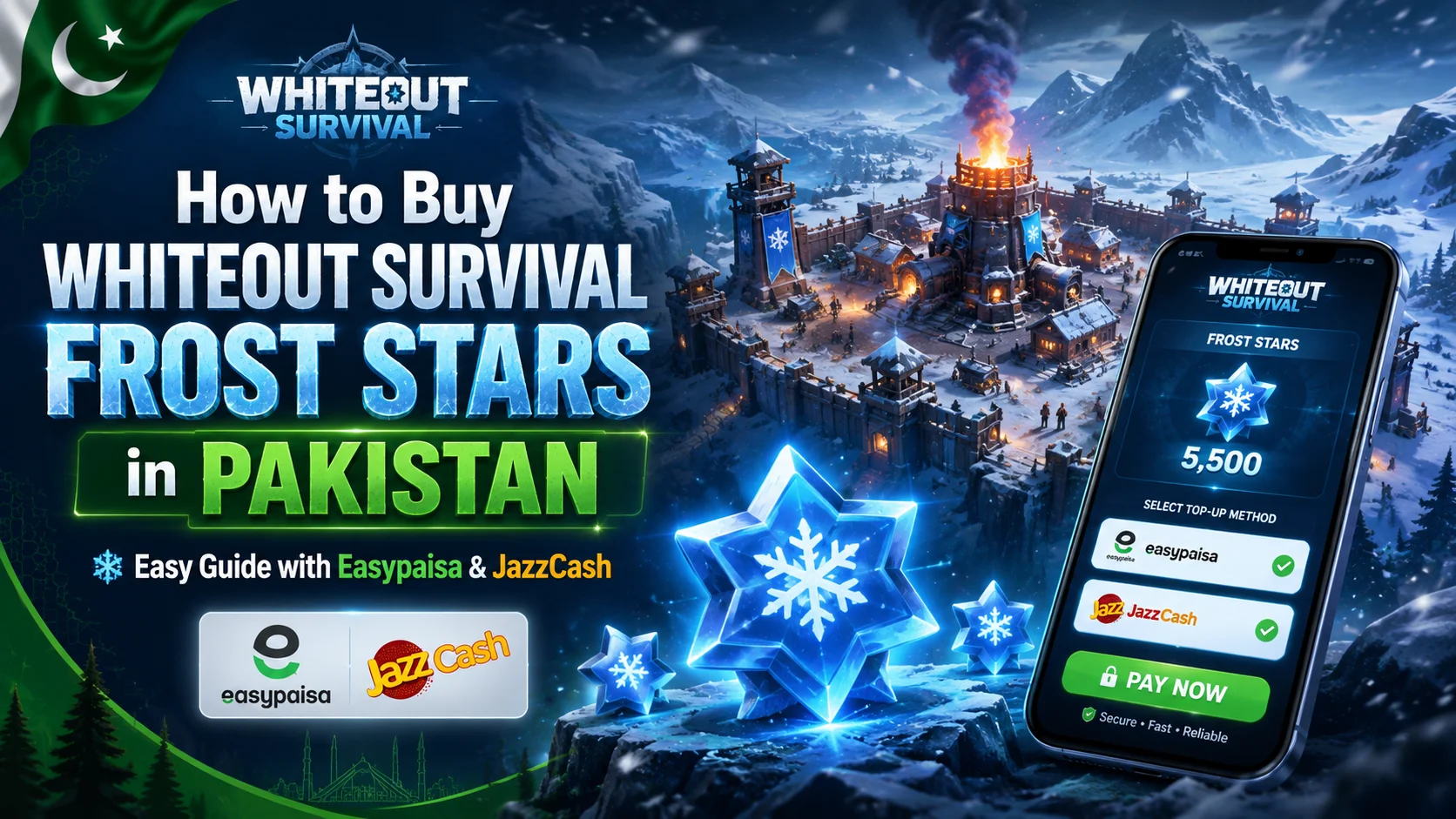
If you play Whiteout Survival in Pakistan and want to purchase premium packs, you may eventually need Frost Stars. The problem is that international payment options aren’t always convenient for Pakistani players. Many users would rather pay in PKR through Easypaisa or JazzCash instead of relying on an international debit or credit card.
Fortunately, buying Whiteout Survival Frost Stars in Pakistan is relatively simple when you understand how the top-up process works.
You usually select your required Frost Star package, provide the correct Whiteout Survival Player ID or UID, make the payment, and wait for the currency to be delivered to the linked game character. The official Whiteout Survival store follows a similar User ID-based process.
This guide explains how to buy Whiteout Survival Frost Stars in Pakistan, how Easypaisa and JazzCash payments work, what information you need before ordering, and how to avoid common top-up mistakes.
What Are Frost Stars in Whiteout Survival?
Frost Stars are a paid token used within Whiteout Survival, the strategy survival game developed by Century Games. Instead of purchasing every eligible game pack separately with real money, players can acquire Frost Stars and use them for eligible packs and offers inside the game.
The official Whiteout Survival store describes Frost Stars as cash-equivalent tokens that can be used for packs and deals.
This makes them useful when you want access to different premium purchases without processing a separate external payment every time.
Depending on the currently available in-game offers, packs may contain items such as:
- Resources
- Speedups
- Hero-related materials
- Upgrade materials
- Event items
- Gems
- Premium rewards
- Limited-time bundle contents
Frost Stars shouldn’t be confused with ordinary Gems. They function primarily as a payment token for eligible premium offers rather than as the everyday resource currency used throughout normal gameplay.
One important detail is that eligible purchases can change. For example, Century Games’ July 2026 update specifically stated that Refund Packs can no longer be purchased using Frost Stars.
So you should always check whether the pack you want currently accepts Frost Stars before topping up.
Can You Buy Whiteout Survival Frost Stars in Pakistan?
Yes. Pakistani players can buy Whiteout Survival Frost Stars online.
The official Whiteout Survival store allows players to link their account using a User ID, select available items, complete payment using an available checkout method, and receive the purchased items through the game.
The difficulty for some Pakistani players isn’t the availability of Frost Stars themselves. It’s finding a convenient Pakistan-friendly payment method.
International stores may offer payment options that vary according to country, device, currency, and payment provider. That can be inconvenient if you mainly use local mobile wallets.
This is why Pakistan-based gaming top-up stores can be useful. Some allow you to pay in Pakistani rupees through Easypaisa or JazzCash while completing the Whiteout Survival top-up through your Player ID.
How to Buy Whiteout Survival Frost Stars in Pakistan
The easiest method is to use a top-up service that supports Pakistani payment methods and Player ID delivery.
The process generally looks like this:
- Open a trusted Whiteout Survival top-up store.
- Find the Whiteout Survival Frost Stars product.
- Choose your required Frost Star package.
- Enter your Whiteout Survival UID or Player ID.
- Check the Player ID carefully.
- Choose Easypaisa, JazzCash, or another available payment option.
- Complete your payment.
- Keep your payment confirmation or transaction ID.
- Wait for the top-up to be processed.
- Check your Whiteout Survival account after delivery.
For example, NexonPK currently lists Whiteout Survival Frost Star packages that only require the player’s UID and supports Easypaisa, JazzCash, U-Paisa, and Zindigi as local payment methods.
Let’s look at the process in more detail.
Step 1: Find Your Whiteout Survival Player ID
Before buying anything, make sure you have the correct Whiteout Survival Player ID or UID.
This number is important because ID-based top-up systems use it to identify the game account or character receiving the purchase. The official Whiteout Survival store also requires a User ID to link the account before checkout.
Open Whiteout Survival and check your player profile for the identifying number associated with your account.
Don’t type the number from memory.
Copy it directly whenever possible. Even one incorrect digit could result in a delayed order or potentially send the purchase to the wrong account when using an ID-based service.
Also remember that your player name isn’t necessarily the same thing as your Player ID.
Use the actual numeric or designated account identifier requested by the top-up provider.
Step 2: Choose Your Frost Star Package
The next step is deciding how many Frost Stars you actually need.
Different package sizes are normally available, making it possible to choose according to your budget or the pack you want to purchase inside Whiteout Survival.
For example, at the time this guide was checked in August 2026, NexonPK listed these Frost Star package options:
| Frost Star Package |
|---|
| 99 Frost Stars |
| 299 Frost Stars |
| 499 Frost Stars |
| 999 Frost Stars |
| 1,999 Frost Stars |
The listed overall price range was approximately PKR 380 to PKR 7,549 at the time of checking. Prices can change because of exchange rates, supplier pricing, game pricing, promotions, or package updates, so treat the checkout page as the final price source.
Rather than automatically choosing the largest package, first check the in-game offer you intend to purchase.
That helps you avoid buying significantly more Frost Stars than you currently need.
Step 3: Enter Your Whiteout Survival UID Carefully
After selecting your package, you’ll normally see a field requesting your UID or Player ID.
Paste the ID you copied from your Whiteout Survival account.
Before continuing, compare it with your game profile one more time.
This small check is one of the most important parts of a Whiteout Survival top-up.
A reputable Player ID top-up service generally shouldn’t need the password to your gaming account simply to complete an ID-based Frost Star recharge. NexonPK’s current Whiteout Survival product page, for example, requests a UID rather than an account password.
Be especially cautious if an unfamiliar seller unexpectedly requests unnecessary account credentials.
Step 4: Buy Frost Stars with Easypaisa
For many Pakistani gamers, Easypaisa is one of the simplest ways to buy Whiteout Survival Frost Stars because the payment can be completed locally in PKR.
When the top-up website supports Easypaisa, the usual process is straightforward.
Choose Easypaisa during the payment process, follow the merchant’s checkout instructions, confirm the amount, and complete the transaction from your Easypaisa account.
Always check these details before sending money:
- Merchant or recipient information
- Total amount
- Order number
- Frost Star package
- Your Whiteout Survival UID
After paying, save your transaction ID or payment screenshot until your top-up has been completed.
NexonPK currently lists Easypaisa among its supported methods for Whiteout Survival Frost Stars in Pakistan.
That removes the need for Pakistani buyers to rely solely on international card payments.
Step 5: Buy Frost Stars with JazzCash
The process for a Whiteout Survival Frost Star JazzCash top-up is very similar.
Select the required Frost Stars, enter your UID, choose JazzCash when available, and complete the payment according to the merchant’s instructions.
Before confirming the JazzCash transaction, verify the amount carefully.
Keep your transaction reference afterward.
This becomes especially useful if payment is completed successfully, but order processing is delayed.
JazzCash is also currently listed as an accepted local payment option on NexonPK’s Whiteout Survival Frost Star page.
For players who already use JazzCash for online payments, this can make a local top-up considerably simpler than arranging an international payment method.
Easypaisa vs JazzCash for Whiteout Survival Frost Stars
There isn’t a major gameplay difference between paying through Easypaisa and JazzCash.
The payment method only handles the transaction. It doesn’t change the Frost Stars you receive.
Choose whichever wallet is easier for you to access and whichever is supported by the store you’re purchasing from.
| Feature | Easypaisa | JazzCash |
|---|---|---|
| Payment in PKR | Yes | Yes |
| Pakistani mobile wallet | Yes | Yes |
| International card required | No when locally supported | No when locally supported |
| Frost Star amount affected | No | No |
| Suitable for Pakistan users | Yes | Yes |
The important factor isn’t whether you choose Easypaisa or JazzCash. It’s whether you’re using the correct merchant, correct package, and correct Whiteout Survival Player ID.
Official Whiteout Survival Store vs Local Pakistan Top-Up
You effectively have two different purchasing routes.
The official Whiteout Survival store operated through Century Games allows users to enter their User ID, link the correct account, choose an available purchase, and complete checkout. Frost Stars or purchased items can then be claimed through the game.
A Pakistan-focused top-up provider provides another route when you specifically want local payment methods such as Easypaisa or JazzCash.
The better choice depends on your payment situation.
Use the official store when its available payment options work conveniently for you.
Consider a reputable local top-up service when you specifically need PKR payments or Pakistani mobile wallets.
Don’t assume every global checkout will always display Easypaisa or JazzCash. Payment availability can differ by region and provider.
How Long Does a Whiteout Survival Frost Star Top-Up Take?
Delivery time depends on the seller and the transaction.
Some ID-based top-ups can be processed quickly while others may take longer because of payment verification, server issues, incorrect customer information, or manual processing.
NexonPK currently states that most of its Whiteout Survival Frost Star orders are delivered within approximately 5 to 60 minutes, while noting that exceptional delays can occur.
The official Whiteout Survival store also warns that there can sometimes be a delay before purchased items arrive through in-game mail. It recommends restarting the game or contacting support if the purchase doesn’t appear.
For that reason, don’t immediately purchase the same package twice if your first order hasn’t appeared.
Check the transaction status first.
What to Do If Frost Stars Don’t Arrive
If your payment succeeds but the Frost Stars haven’t appeared, avoid panicking or immediately repeating the payment.
First verify that you entered the correct Player ID.
Then check your Whiteout Survival mailbox, restart the game, and allow reasonable time for processing.
If you’re using the official store and the item remains missing, the official instructions recommend contacting customer support.
If you bought through a local seller, contact that seller and provide:
- Your order number
- Player ID
- Package purchased
- Payment transaction ID
- Payment screenshot if requested
- Approximate payment time
Don’t publicly post unnecessary account or payment information on social media while asking for help.
Is It Safe to Buy Whiteout Survival Frost Stars Online?
Buying digital game currency requires the same caution you would use with any other online transaction.
The safest starting point is always the game’s official store. Century Games currently links its official Whiteout Survival store directly from its own website.
If you decide to use a third-party or Pakistan-focused top-up store because you need Easypaisa or JazzCash, check the seller carefully before sending payment.
Look for transparent product information, contact details, payment instructions, refund or cancellation policies, secure checkout, and a clear Player ID-based ordering process.
Century Games has previously warned players about fake accounts and fraudulent links impersonating Whiteout Survival, so users should be cautious about links received through random messages or social media accounts.
Never assume a page is official simply because it uses Whiteout Survival branding.
Common Mistakes to Avoid When Buying Frost Stars
A few simple mistakes cause many unnecessary top-up problems.
Entering the Wrong UID
Double-check every digit before submitting your order. Your Player ID determines which account receives an ID-based top-up.
Sending Payment Before Checking the Package
Verify both the Frost Star amount and PKR price before confirming your payment.
Sharing Your Game Password Unnecessarily
If a service is performing a Player ID-based recharge, your UID may be sufficient. Be cautious when an unfamiliar seller asks for additional sensitive credentials without explaining why.
Buying From Random Social Media Sellers
A low price isn’t useful if the seller disappears after receiving your payment.
Purchasing the Same Order Twice
A delayed transaction doesn’t automatically mean a failed transaction. Confirm the first order status before placing another.
Ignoring Current In-Game Restrictions
Frost Star eligibility can change for individual offers. Century Games, for example, changed Refund Packs in July 2026 so they can no longer be purchased using Frost Stars.
Are Whiteout Survival Frost Stars Worth Buying?
Whether Frost Stars are worth buying depends on how you play Whiteout Survival.
Casual players may be completely comfortable progressing without frequent premium purchases. More active players may value Frost Stars because they provide a convenient way to access eligible paid packs when needed.
Before spending money, look at the actual contents of the pack.
Ask yourself whether it supports an immediate objective such as an event, hero upgrade, resource requirement, or progression target.
Avoid buying a large package simply because it looks better value if you don’t expect to use the additional balance.
The best Frost Star package isn’t necessarily the biggest one. It’s the package that matches your gaming budget and planned purchases.
Frequently Asked Questions
How can I buy Whiteout Survival Frost Stars in Pakistan?
Choose a trusted Whiteout Survival top-up service, select your Frost Star package, enter the correct Player ID or UID, and complete payment. Pakistan-focused stores may support local wallets such as Easypaisa and JazzCash.
Can I buy Whiteout Survival Frost Stars with Easypaisa?
Yes. Some Pakistan-based top-up providers currently accept Easypaisa for Whiteout Survival Frost Star purchases. NexonPK lists Easypaisa as one of the payment methods available for its Frost Star top-up service.
Can I buy Whiteout Survival Frost Stars with JazzCash?
Yes. JazzCash is also available through certain Pakistani gaming top-up providers. You typically select your package, provide the correct UID, complete the JazzCash payment, and wait for delivery.
Do I need my Whiteout Survival password to buy Frost Stars?
The official Whiteout Survival store uses a User ID to link the relevant account for purchasing. Similarly, some local ID-based top-up providers only ask for the player’s UID rather than a game password.
Where do Frost Stars appear after purchase?
The official Whiteout Survival store says purchased items are delivered through in-game mail and notes that occasional delivery delays can occur.
Can Frost Stars be used for every Whiteout Survival pack?
Not necessarily. Availability can change according to the individual offer and game updates. Century Games announced in July 2026 that Refund Packs can no longer be bought using Frost Stars.
What should I do if I entered the wrong UID?
Contact the seller immediately before the order is processed. Once a digital top-up has been delivered to another account, reversing it may be difficult or impossible.
What is the easiest payment method in Pakistan?
For players without an international payment card, Easypaisa and JazzCash are among the most convenient options when supported by a Pakistan-based gaming top-up provider.
Final Thoughts
Buying Whiteout Survival Frost Stars in Pakistan doesn’t have to involve complicated international payment methods. Once you have your correct Player ID, the process can be as simple as choosing a package, paying in PKR, and waiting for the top-up to reach your game account.
The most important part is choosing the purchasing route carefully. The official Century Games store remains the direct source for Whiteout Survival purchases while Pakistan-focused services can be useful when you specifically want Easypaisa or JazzCash payment support.
If local payment convenience is your priority, NexonPK is one option worth checking. Its current Whiteout Survival listing supports UID-based Frost Star top-ups and lists Easypaisa, JazzCash, U-Paisa, and Zindigi as available Pakistani payment methods. Always confirm the latest package price, your UID, and the payment details at checkout before completing an order.